
AI product video generator
From a product photo to a packshot, lifestyle scene or reveal.
Try it with MIRO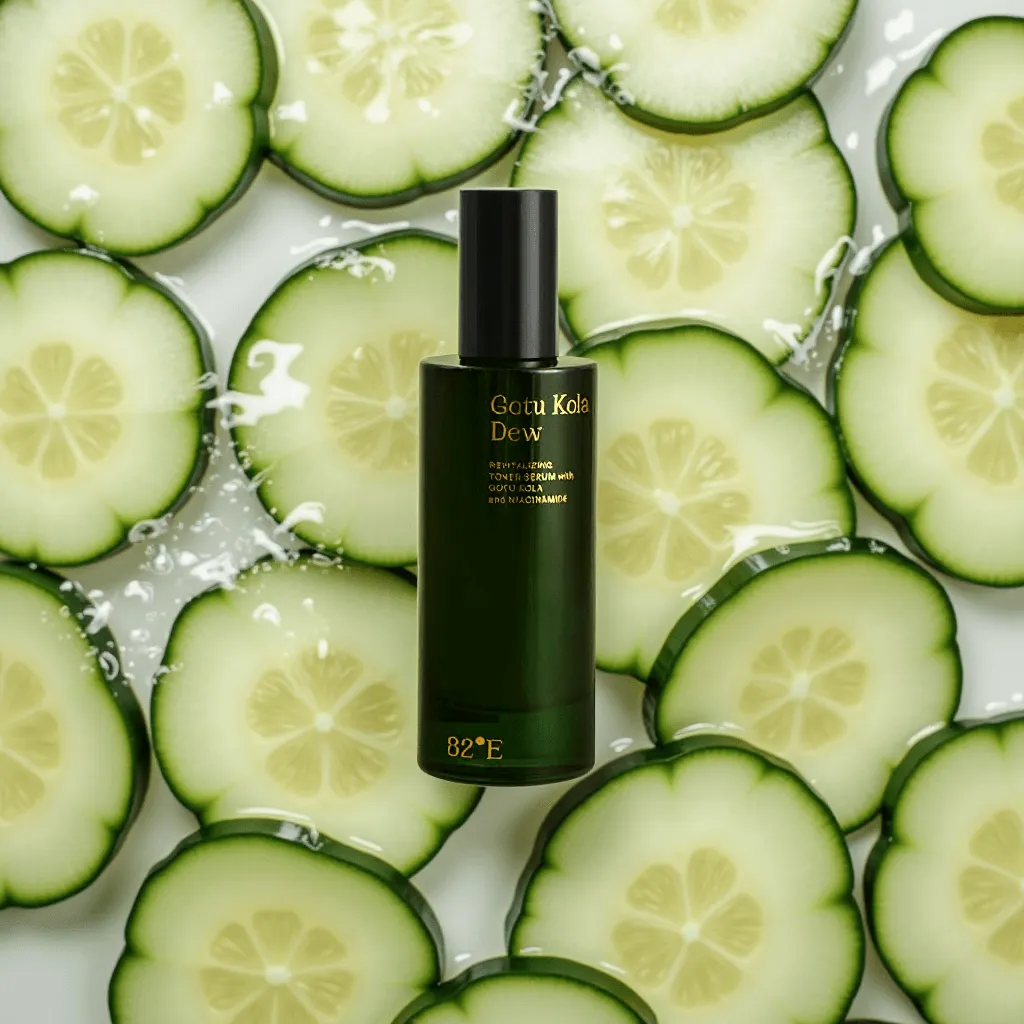
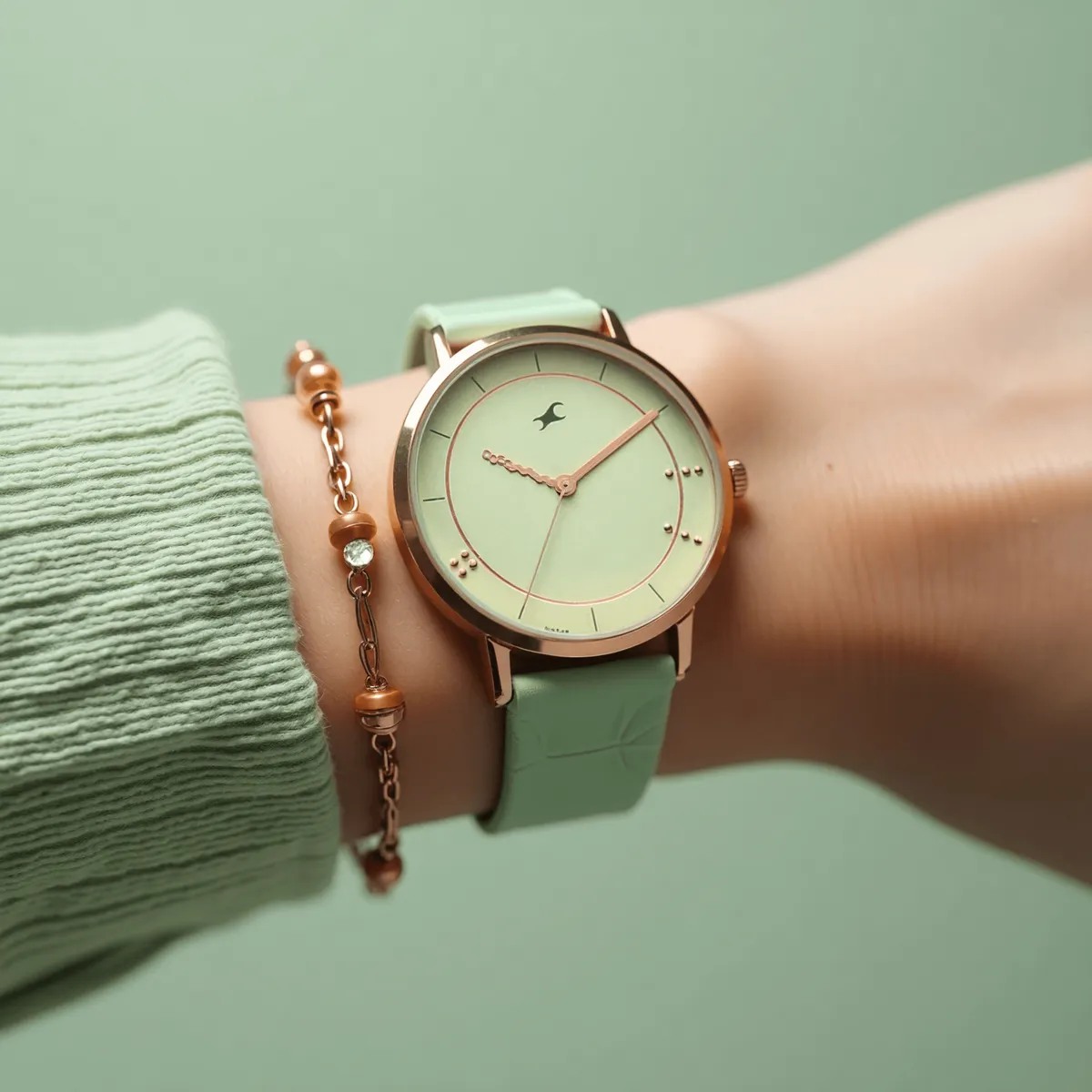
Start from the product photo you already have. Place it in a scene with an image model, then animate it: a slow turn, a pour, a reveal.
FLUX first-and-last-frame to video gives precise control over a reveal; Wan Alpha renders a product on a transparent background ready to drop into any layout.
Made in the studio
- Product ads are a large share of the 10,000+ ads made in the studio.
How it works
- 1Upload the product photo.
- 2Build the scene around it.
- 3Animate the shot.
- 4Export cut-downs per platform.
Or tell MIRO what you want
MIRO is the AI agent inside G5 AI Studio. Describe your ai product videos brief in plain language and MIRO picks the model, runs the generations and brings the results back into the chat.
Chat with MIROModels for this
Questions
Will the product stay accurate?
Use image or reference to video from the real product photo, and check labels and logos on every take.