

 By Black Forest Labs
FLUX.3
Photographic stills and controllable video from keyframes.
Try it with MIRO

- FLUX.3
- FLUX.3 Max
- FLUX multi-reference
- Text to image
- Image edit
- Text to video
- Image to video
- Keyframes to video
- First and last frame to video
- Extend video
- Video edit
FLUX, from Black Forest Labs, started as an image model known for photographic detail and accurate prompts. FLUX.3 extends the family to video.
In G5 AI Studio you can make and edit stills with FLUX.3, then animate them with FLUX.3 or FLUX.3 Max video: from text, from an image, between keyframes, between a first and last frame, or by extending a clip you already have.
Best for
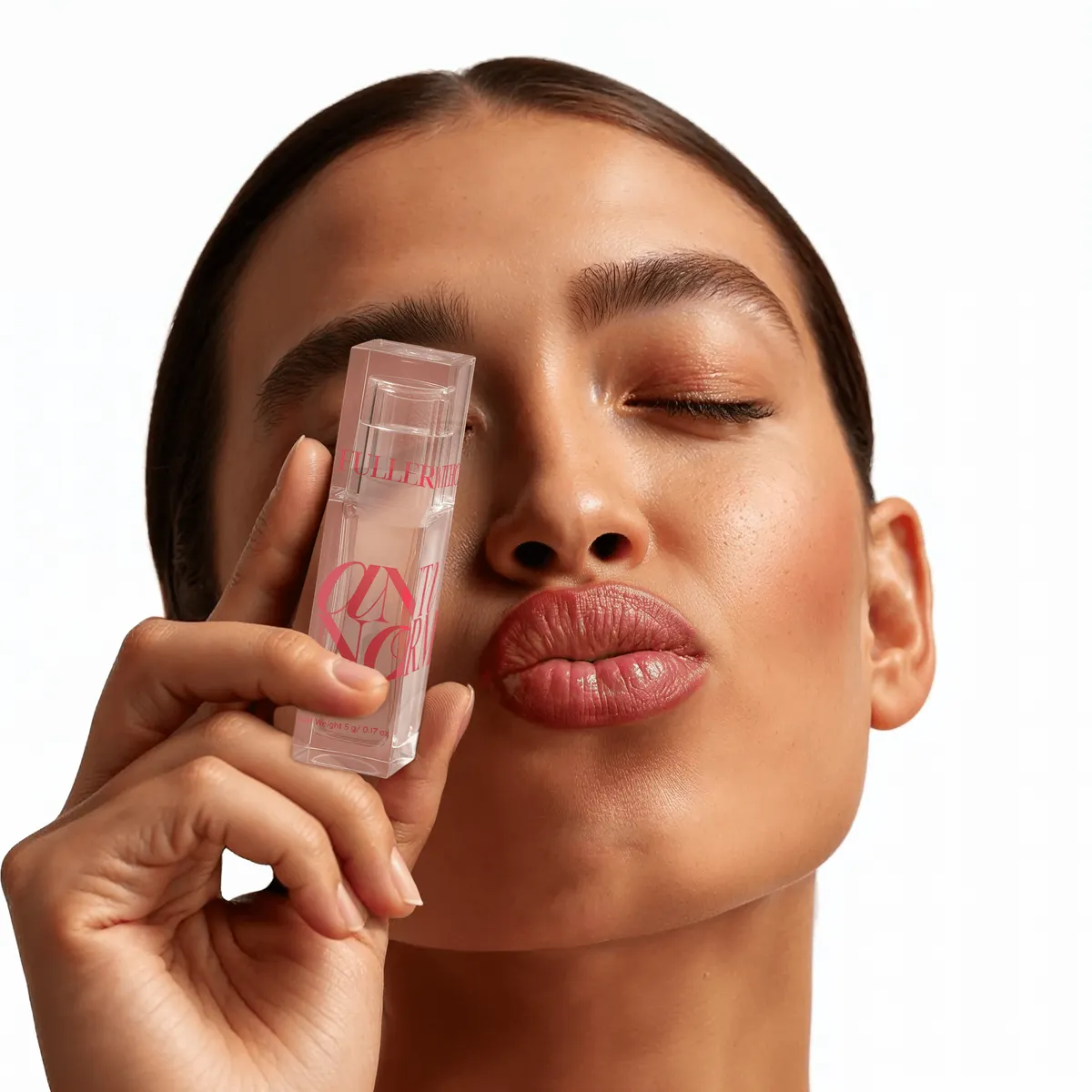
- Photographic stills and product shots
- Controlled transitions between two frames
- Extending a clip that ends too soon
Or tell MIRO what you want
MIRO is the AI agent inside G5 AI Studio. Describe the shot in plain language and MIRO picks the model, runs the generations and brings the results back into the chat. It reaches for FLUX.3 when the shot calls for it.
Chat with MIROHow to prompt it
- First and last frame to video is the most controllable way to get a specific transition.
- Use multi-reference to combine a product, a model and a location in one still.
Questions
Does FLUX make video?
Yes. FLUX.3 and FLUX.3 Max generate video from text, images, keyframes or a first and last frame, and can extend or edit a clip.
Can I edit an image with FLUX?
Yes. FLUX.3 image edit changes an existing image from a text instruction.