

- Krea 3
- Krea 3 Edit
- Krea 2 Large
- Text to image
- Image editing
- Style references
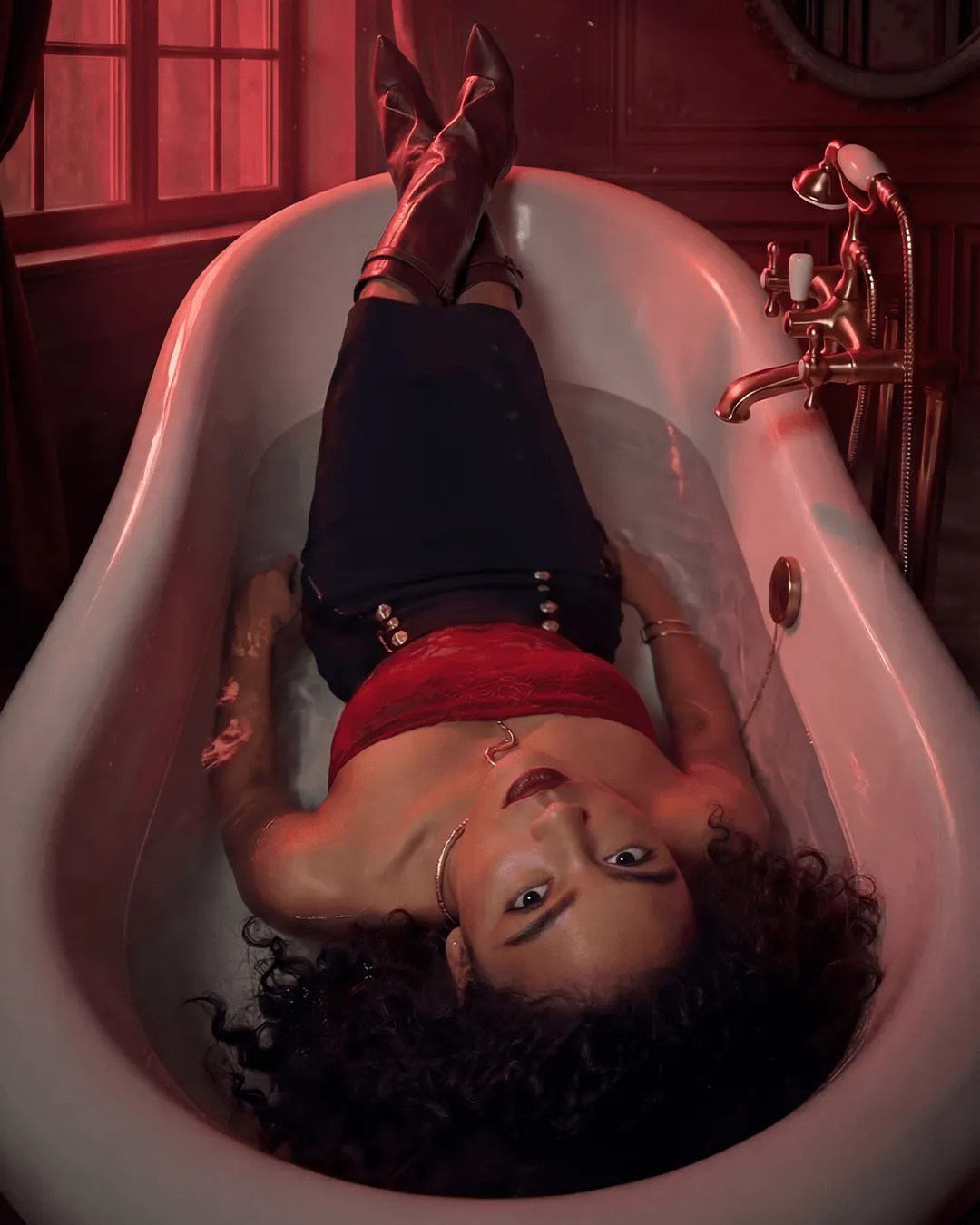
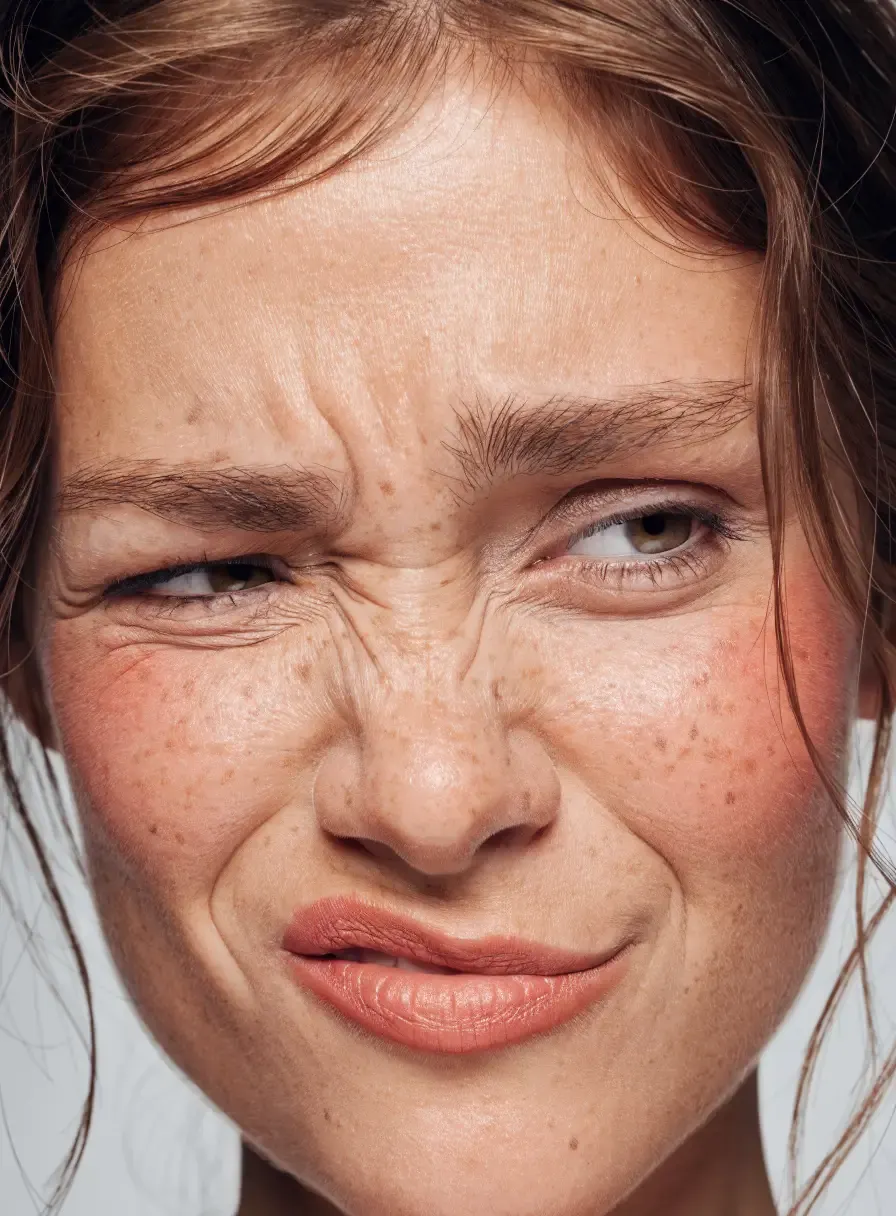
Krea's image models are built for taste: photographic light, believable skin and fabric, and compositions that look art-directed rather than generated.
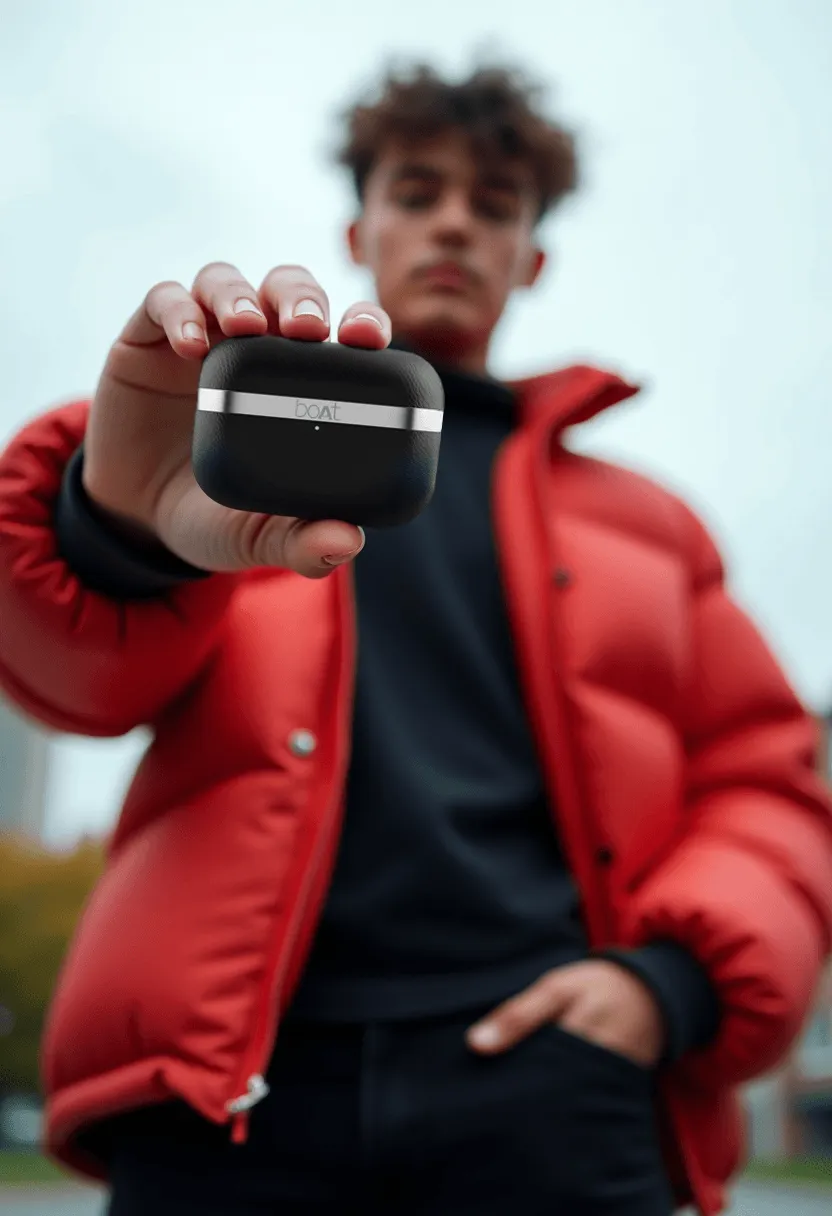
G5 AI Studio carries Krea 3, Krea 3 Edit and Krea 2 Large. Krea 3 makes stills of about 4 megapixels, with a quality setting (berry) and a faster one (jam), plus a reasoning level for harder prompts. Krea 3 Edit changes or combines 1 to 8 reference images from a written instruction and keeps the subject the same while the setting changes. Krea 2 Large takes up to 10 style reference images, so a series can share one look.
Best for
- Photoreal portraits and fashion stills
- Putting the same product or person in new settings
- A series of images that share one art-directed look
Or tell MIRO what you want
MIRO is the AI agent inside G5 AI Studio. Describe the shot in plain language and MIRO picks the model, runs the generations and brings the results back into the chat. It reaches for Krea when the shot calls for it.
Chat with MIROHow to prompt it
- Draft with jam, then switch to berry for the final.
- In Krea 3 Edit, refer to each reference by its order (<image-1>, <image-2>) so it knows what to take from where.
- Use a negative prompt with berry to keep out what you never want, such as text or extra hands.
Questions
What is the difference between Krea 3 and Krea 3 Edit?
Krea 3 makes an image from a prompt. Krea 3 Edit starts from 1 to 8 of your images and changes or combines them from a written instruction.
What are berry and jam?
Two Krea 3 modes: berry favours quality and supports negative prompts, jam favours speed for drafts.
Can Krea match an existing look?
Yes. Krea 2 Large takes up to 10 style reference images and applies their look to new images.